ClipX — AI video clipper They upload.
You're already posting.
Clipping pays per view — and the first clip in takes them. ClipX, the free AI video clipper, watches the channels you clip: the moment a new YouTube video drops, it's transcribed, clipped, captioned, and ranked in your queue. Approve from your phone and post while everyone else is still downloading.
Works with YouTube, Twitch, Vimeo & Kick.


One video in, a week of posts out
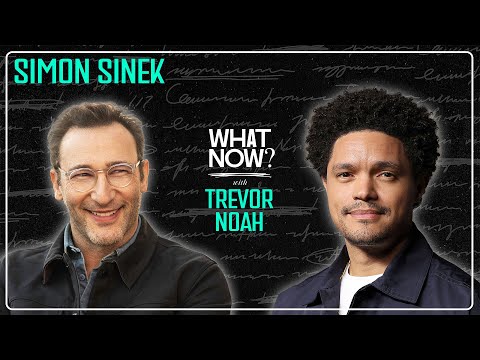 1:15:18
Trevor Noah × Simon Sinek — 1h 15m podcast
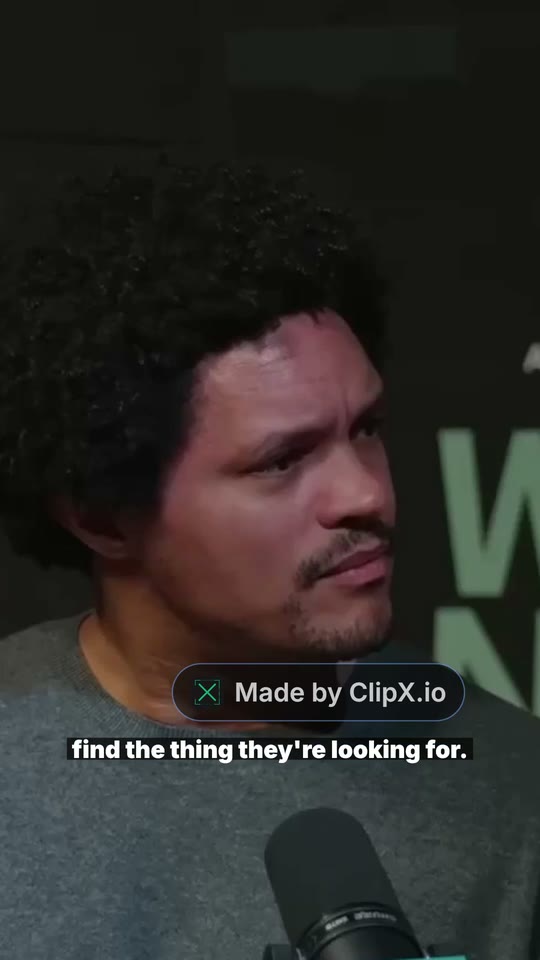 91%
91%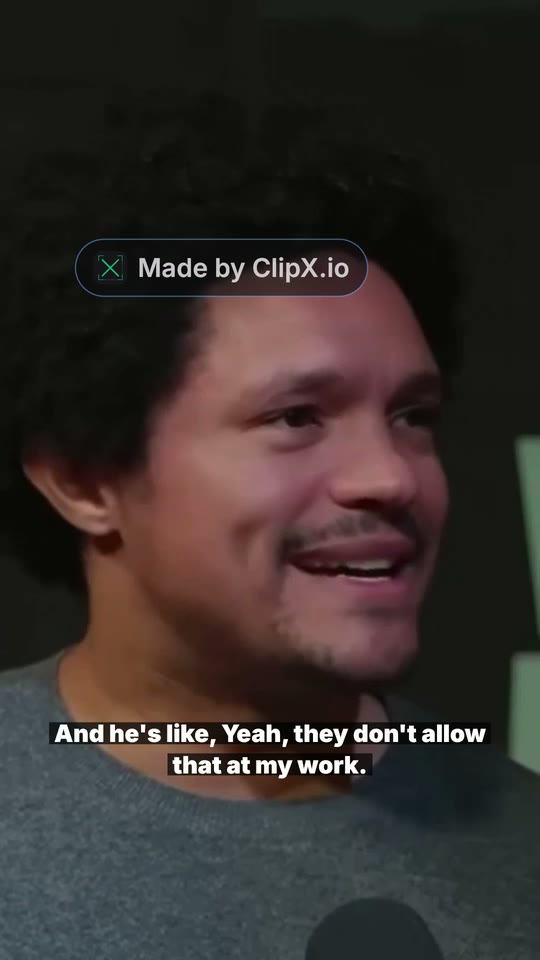 90%
90%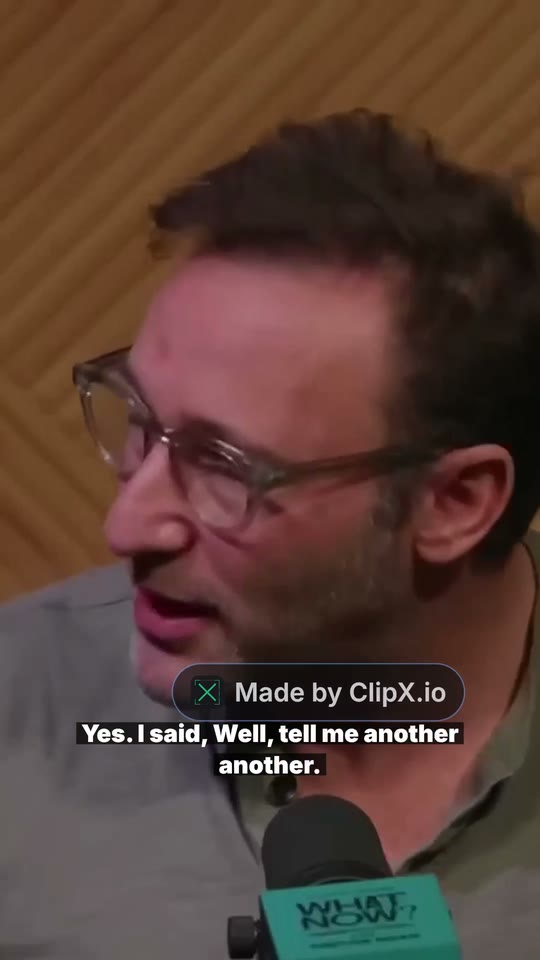 90%
90%Try it
See it work. Right now.
No account needed — pick a real video and watch ClipX, a free AI video clipper, find and style its best moments. Every clip below is real output.
2,500+ clippers and creators have signed up. Clips from ClipX have gone out to TikTok, Reels, Shorts, and X.
I grew an account from 0 to 3,000+ followers in under six months posting ClipX clips. A few passed 40k likes. I built the thing, but that's not why I use it.
I pasted a two hour episode and had clips posted before lunch. That used to be my whole Sunday.
I expected it to pick random moments. It picked the exact part I would've clipped myself.
The captions and framing are just... done. I haven't opened CapCut since.
The first clip I posted from ClipX did better than anything I'd cut by hand.
It's the only video tool I didn't need a tutorial for.
The free AI video clipper made for the platforms that matter
Find
The best moments,
found for you
Paste a YouTube link or upload a file. ClipX, a free AI video clipper, watches the whole video and ranks the moments most likely to hook a scroller — you post the winners, not the filler.
Face Zoom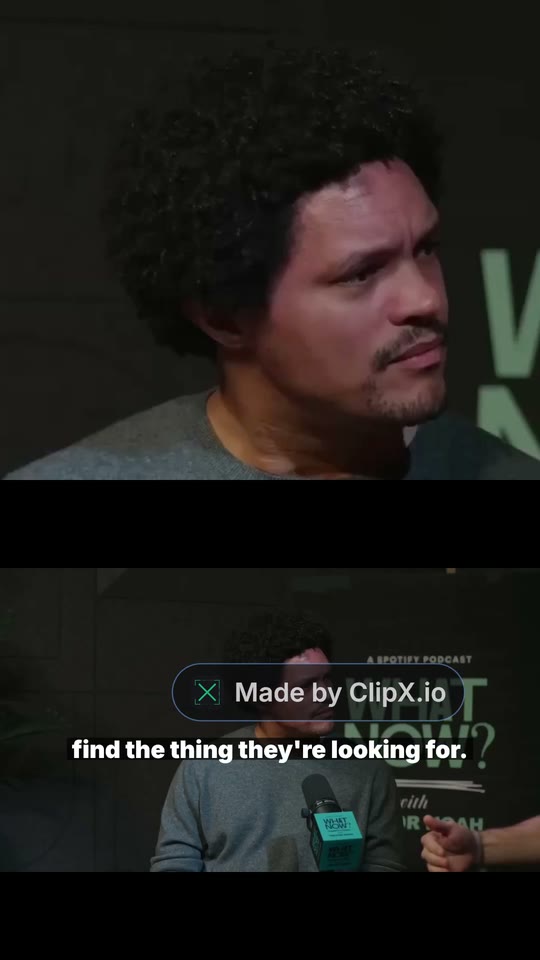 Split
Split Title Band
Style
Pick a template.
Skip the editing.
Vertical layouts like Face Zoom, Split, and Title Band. Captions, face-tracking, and music are automatic. Tweak only if you want to.
Automate
PRONew upload?
Already clipped.
Add the channels you clip — any YouTube channel, no owner login needed. Every new video is clipped automatically, and the best moments land in a scored review queue. Approve them from your phone with one tap, or set a score threshold on the Studio plan and the winners publish themselves.
Pricing
Volume is the job. Pricing shouldn't punish it.
Free gives you one video a day, up to 3 hours long, with the full editor and in-app preview. Pro unlocks exports — unlimited, watermark-free — plus channel tracking, with your first month at $4.99 and $20/mo after that. Clipping more than one channel? Studio runs 10 channels on autopilot.
Free
For trying it out
One free video every 24 hours, up to 3 hours long
- One free video a day
- Up to 3 hours
- Full editor and in-app preview
- Exports need Pro
- No credit card
Pro
For working clippers
then $20/month · cancel anytime
- Unlimited videos and exports
- No watermark or outro
- Priority processing
- Autopilot on the channels you clip
- Streams up to 12 hours (pick the part to clip)
- Cancel anytime
Studio
For running a clip operation
Unlimited videos and exports · 10 channels on autopilot
- Unlimited videos and exports
- No watermark or outro
- Priority processing
- Up to 10 channels on autopilot
- Hands-off auto-publish
Coming from OpusClip? See the side-by-side →
Popular comparisons and tools
Side-by-side comparisons and tools for the most common clipping jobs.
FAQ
Common questions
The next upload drops soon. Be on it first.
Try it free on any video — or start Pro for $4.99 your first month and put every channel you clip on autopilot. Takes about five minutes to see your first clips.
Get my clips