Free tool
Your Channel on Autopilot
Connect a channel once. Every new upload becomes captioned, publish-ready clips — the strongest ones auto-publish, the rest wait in a review queue you can approve from your phone.
One free video a day. No credit card. Cancel any time.
How it works
Connect any channel
Add a YouTube channel by URL, handle, or ID — your own channel or one you have permission to clip. No OAuth required to start monitoring.
New uploads get clipped automatically
ClipX polls your channel, transcribes every new video, and finds the highest-scoring moments with the same AI analysis that powers manual clipping — captioned, cropped, and ready in your voice preset.
The best clips publish themselves
Set a score threshold: clips above it auto-publish to TikTok, YouTube Shorts, Instagram, and X. Everything else waits for a one-tap approval, from your phone, no desktop required.
You stay in control
Turn auto-publish off entirely, adjust the threshold per channel, or review every single clip before it goes out — autopilot adapts to how much you trust it.
What you get
- Captioned, cropped, publish-ready vertical clips for every new upload
- Score-gated auto-publish to TikTok, YouTube Shorts, Instagram, and X
- A review queue you can approve from your phone — no desktop needed
- Per-channel and default configuration: clip length, focus topics, auto-publish threshold
- Unlimited videos and exports on Pro ($20/mo) — Opus Clip caps its $29 plan at 300 minutes
See it in action
One more thing
That was one video. Autopilot does this for every upload.
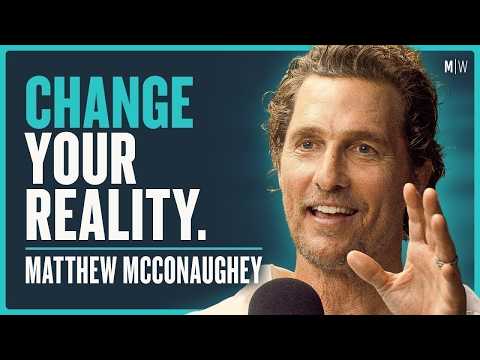
Matthew McConaughey on reinvention
Podcast · 1h 49m
Frequently asked questions
Does ClipX post to my accounts without me seeing anything first?
No — score-gated auto-publish only posts clips above the threshold you set; everything else waits in a review queue for a tap of approval from your phone. You can also turn auto-publish off entirely and review every clip.
Can I monitor a channel I don't own?
Yes, as long as you have the rights to clip and publish its content — ClipX can watch any public YouTube channel by URL, handle, or ID, not just ones connected via OAuth.
How is this different from Opus Clip's Auto Import?
Opus's own users have been asking for auto-publish on imported clips for years — it's still their most-requested unshipped feature. ClipX closes that loop: monitor, clip, and publish, all on autopilot.
What happens if a video produces no usable clips?
You're not charged for it — a run that doesn't produce usable output doesn't count against your free video.
Related guides
Ready to clip?
One free video a day, up to 3 hours. No card. Edit and preview free — exports on Pro.
Get started free